We have enhanced the external claims submission form to make it more comprehensive and secure for third-parties submitting directly into Voyager.
Managing Access (no change)
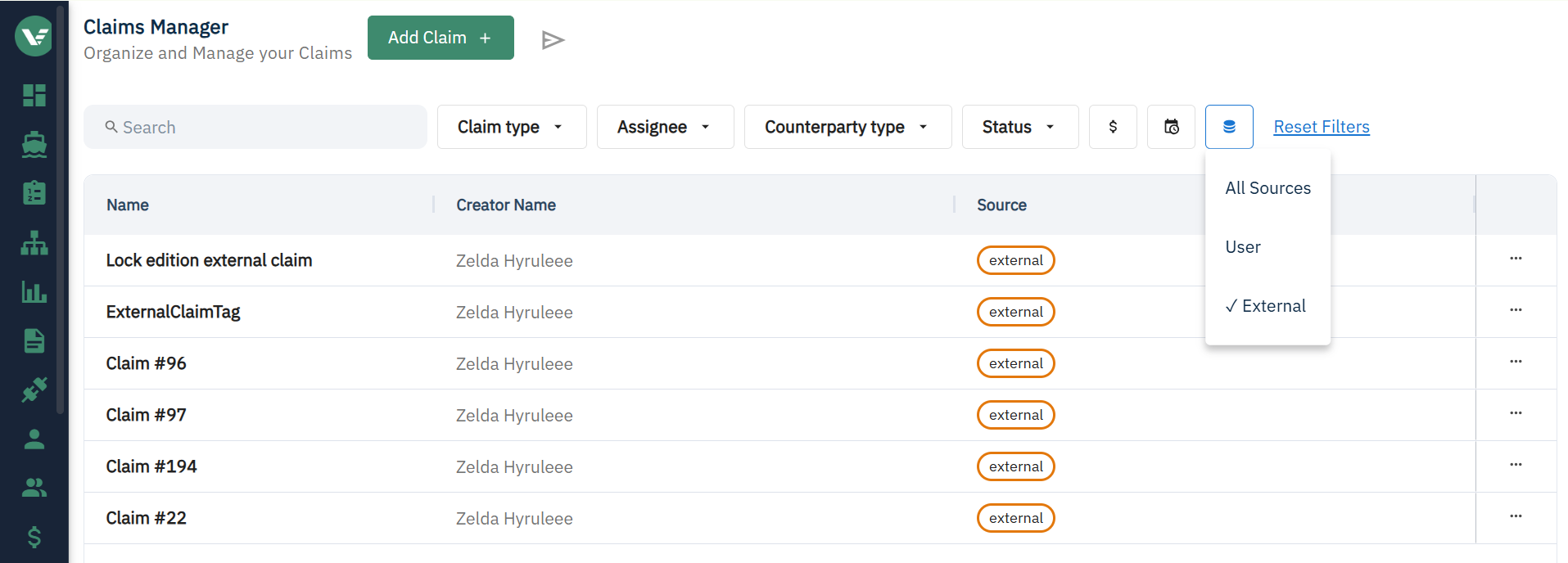
In the claim manager, click on the "send" icon at the top to manage access.

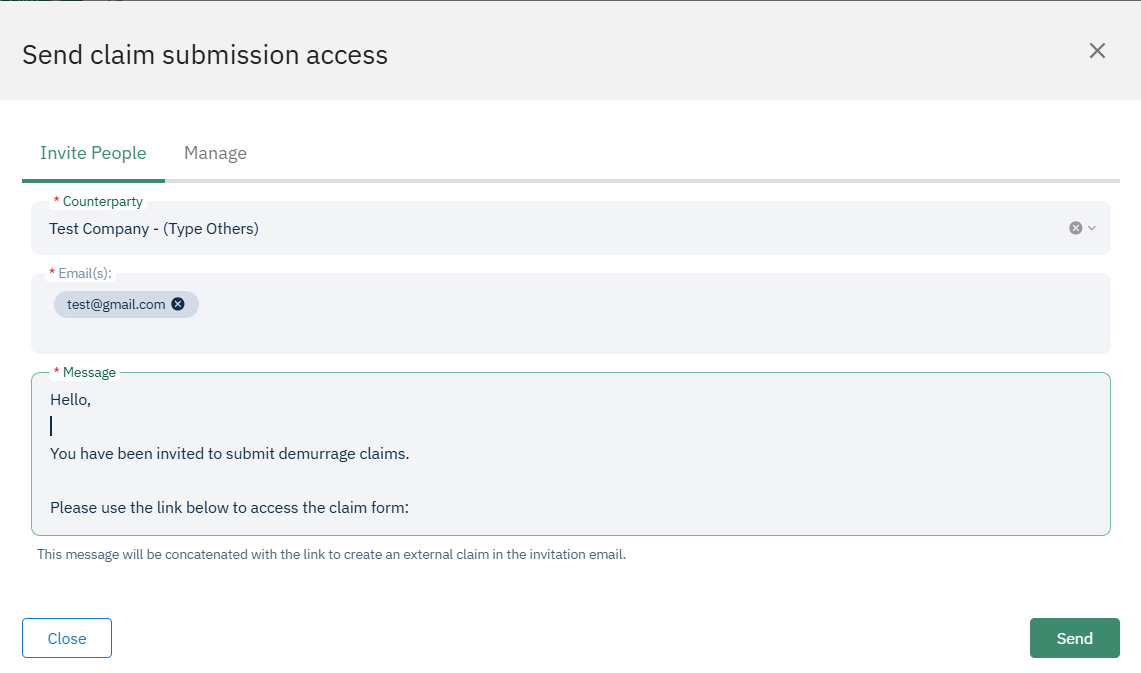
Here you can send access to someone new.
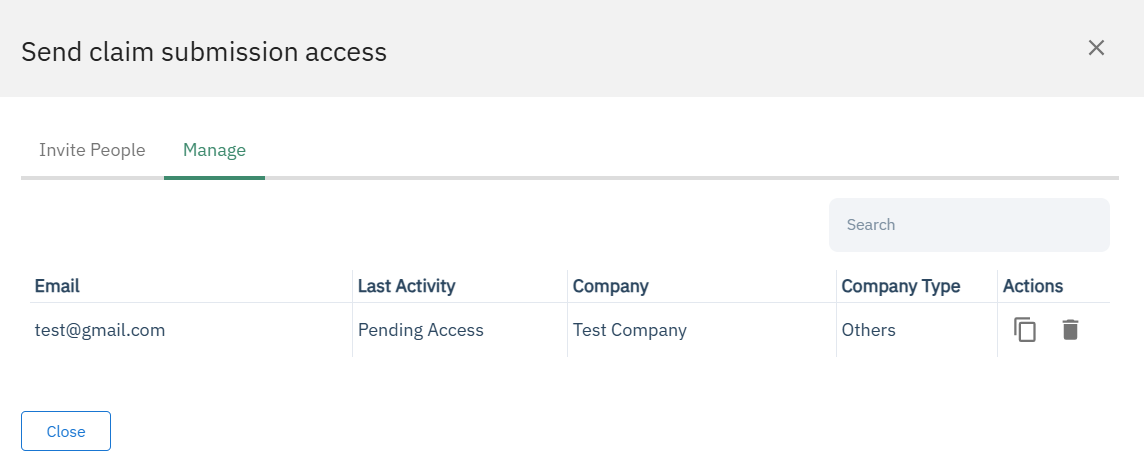
Or manage existing permissions and find their specific links.
One Time Password (OTP)
For increased security, the submitter will now be required to use an OTP sent to their email every time they try and access their link. They can continue to bookmark and reuse the same link.
Enhanced Form Questions
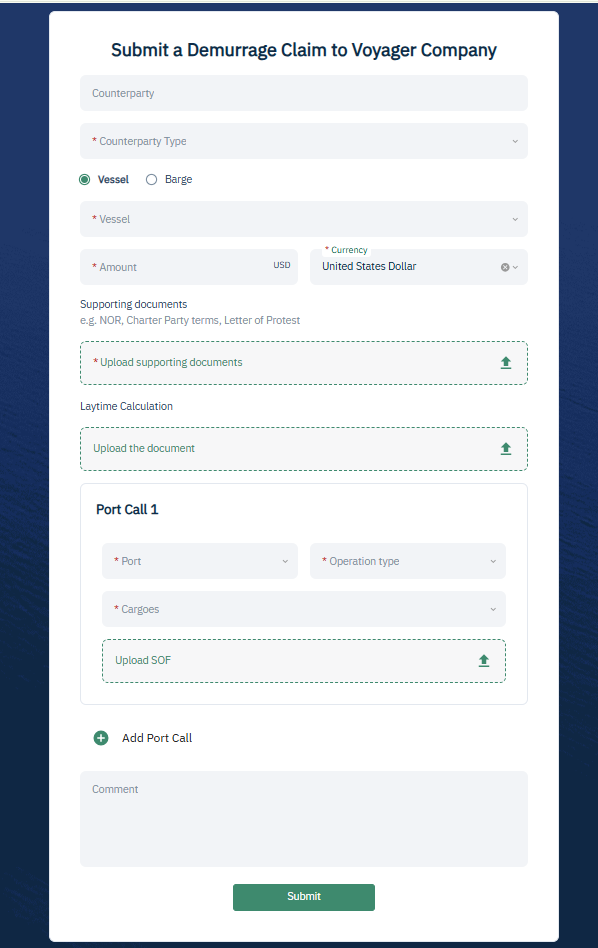
The form now includes additional fields, with some appearing conditionally to minimize effort for the submitter:
- If your submitter is a broker, they will get an optional field to enter the counterparty they are submitting on behalf of
- Based on the Counterparty type, a field will appear for CP or BL date.
- Barge claims can now be submitted
- At least one port call must be submitted, with a cargo now mandatory for each port call.
Appearance in Voyager
Once submitted, these claims will appear in the claims manager with the source labeled as "External." Use the source filter to easily identify and review them.