Feature Area: Analytics
Impact: Users who want to build, view, and share interactive analytics dashboards from within Voyager Portal
Available: On demand. If interested, please contact your Voyager Account Executive or Customer Experience Representative for further information.
Overview
Voyager now includes an embedded analytics platform, giving users access to interactive dashboards built directly on claims data — no need to export files or work outside the platform.
Analytics databases refresh every 10 minutes, so dashboards always reflect near-real-time information. Currently, only claims data is supported. SOF and VMS data will be added in future feature releases based on demand.
Working with Dashboards
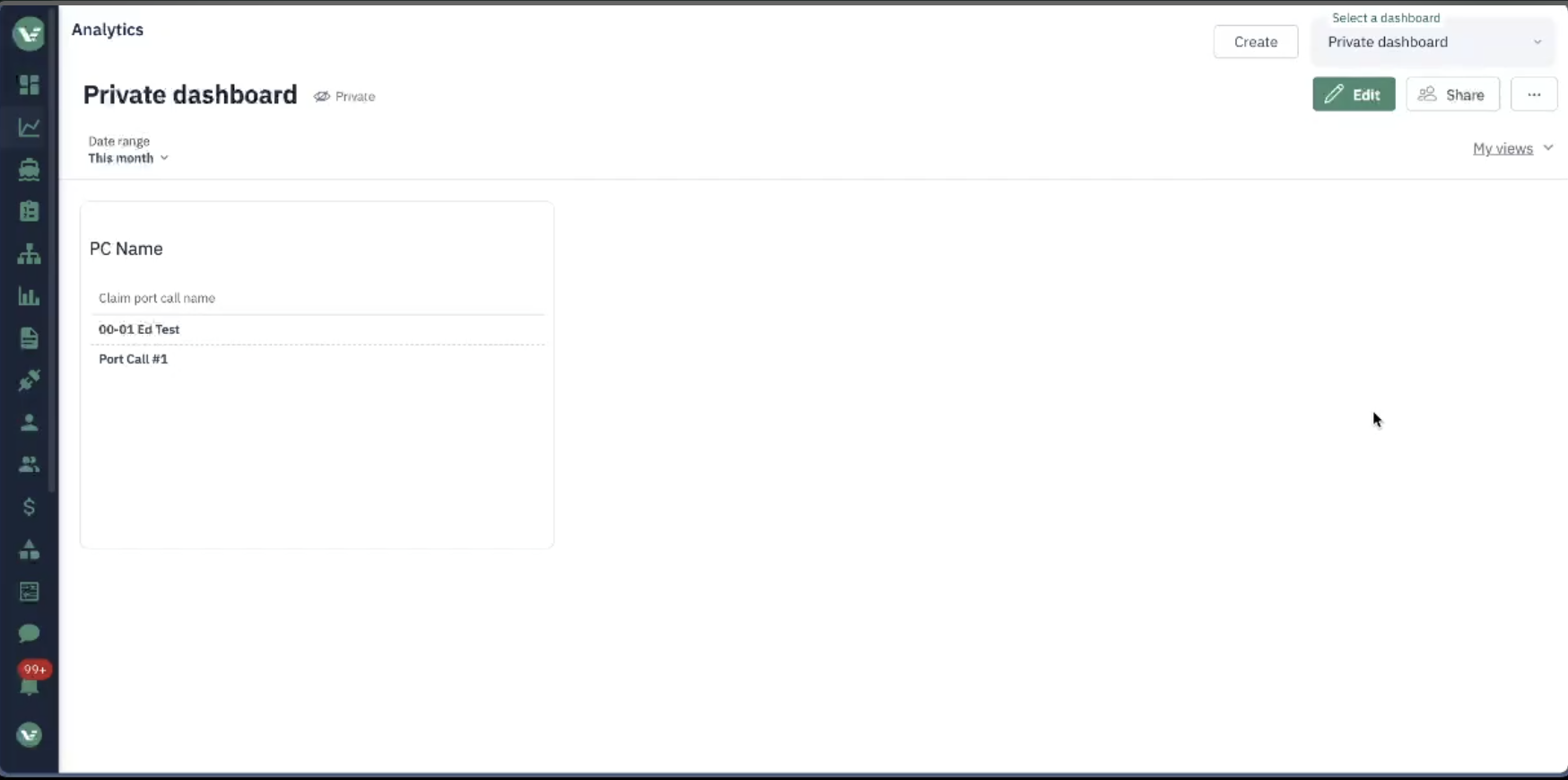
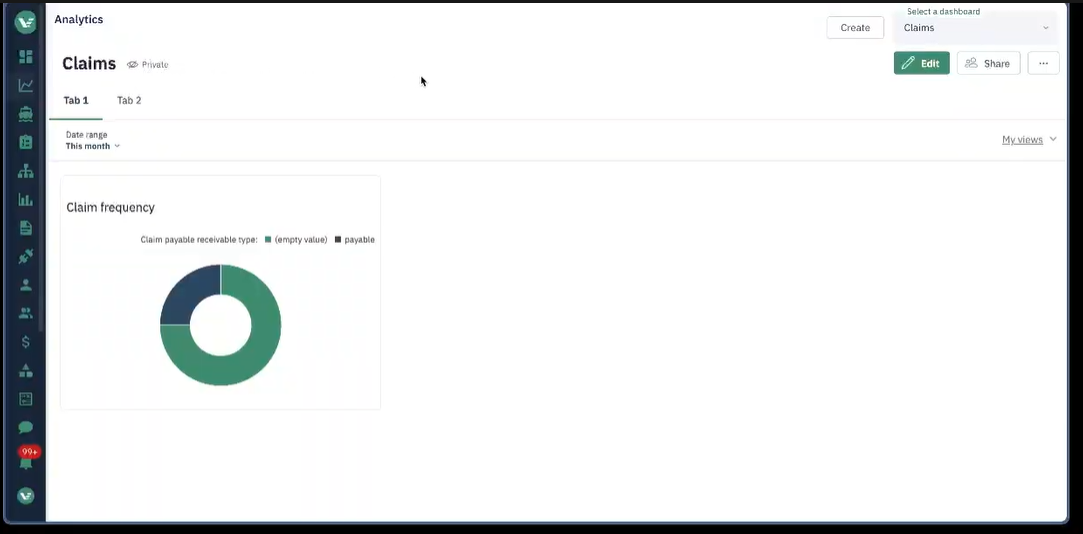
Viewing dashboards Use the dropdown to select from available dashboards. Dashboards can contain charts, tables, maps, donut charts, bar charts, and markdown text cards. Use the date range filter and field-level filters to explore your data.
Creating dashboards (Manage users only) Click + New Dashboard, then use + Visualization to add cards. Drag in fields from the data model and choose your preferred chart type. New dashboards are private by default — share them before colleagues can access them.
Sharing dashboards Click the Share button and assign groups or users — for example, all users to view, or an analyst group to edit.
Global dashboards Voyager administrators can create dashboards that are visible to all companies with analytics enabled. These appear as locked dashboards and cannot be edited by company users.
Video Walkthrough
Additional demonstration or training sessions are available upon request to your Voyager Account Executive or Customer Experience Representative.