
Feature Area: Claim Details and Analytics
Impact: All users managing vessel and barge demurrage claims in the Claims Manager
Contact your Voyager Account Manager to discuss configuration of your additional fields
Overview
You can now configure custom fields for claims. This gives you control over what additional information is captured and displayed for your claims and unlocks more options for analytics.
How It Works
- Admins can now define additional fields to be shown on demurrage claims, choosing from text, select, multiselect, number, date, datetime, or company (linked entity) types.
- Select and multiselect fields support a custom list of options.
- Date and datetime fields are stored exactly as entered, unaffected by time zone differences.
- There's no limit on the number of fields you can configure.
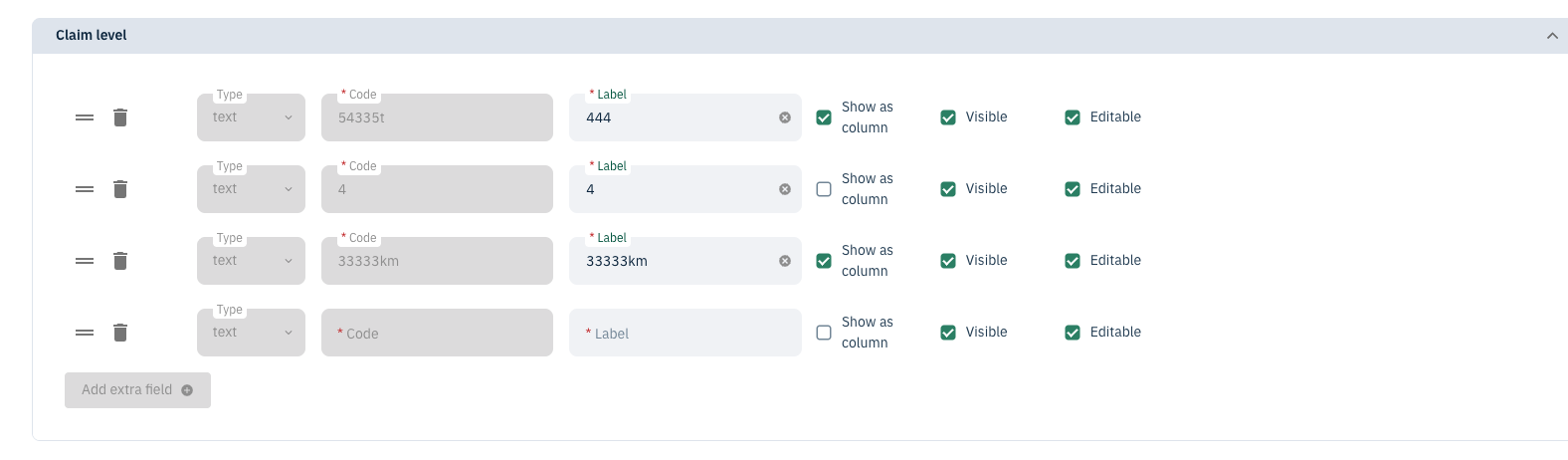
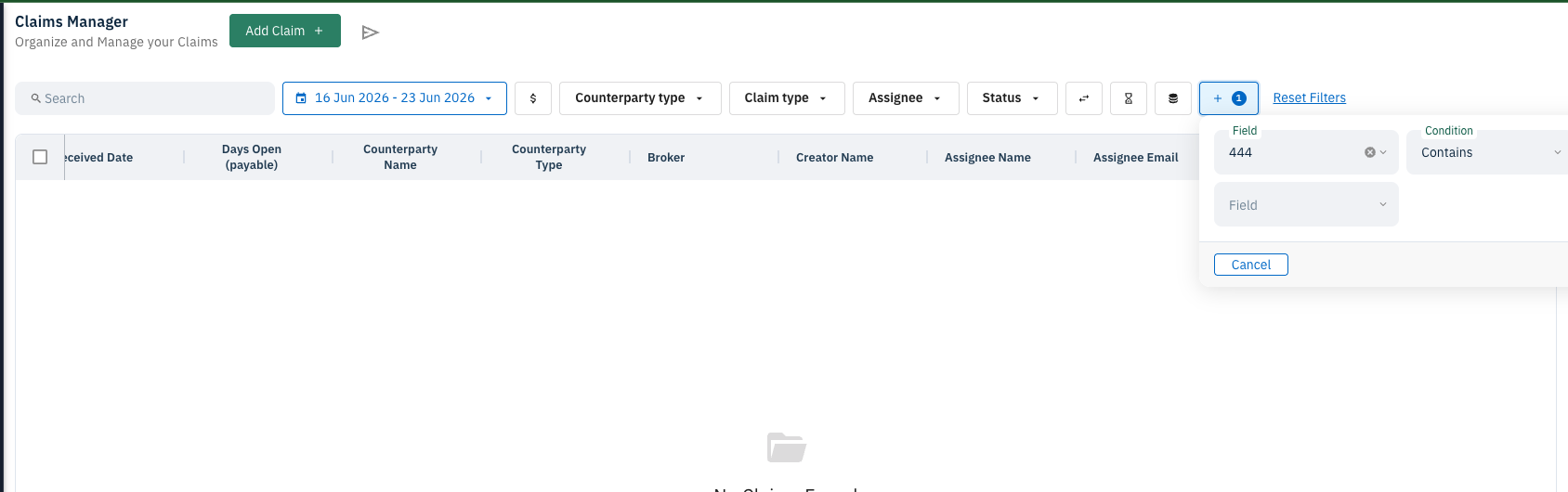
- Each field can be marked visible or hidden, and independently flagged to "Show as column" — which surfaces it in the Claims Manager list and makes it filterable via Advanced Filters.
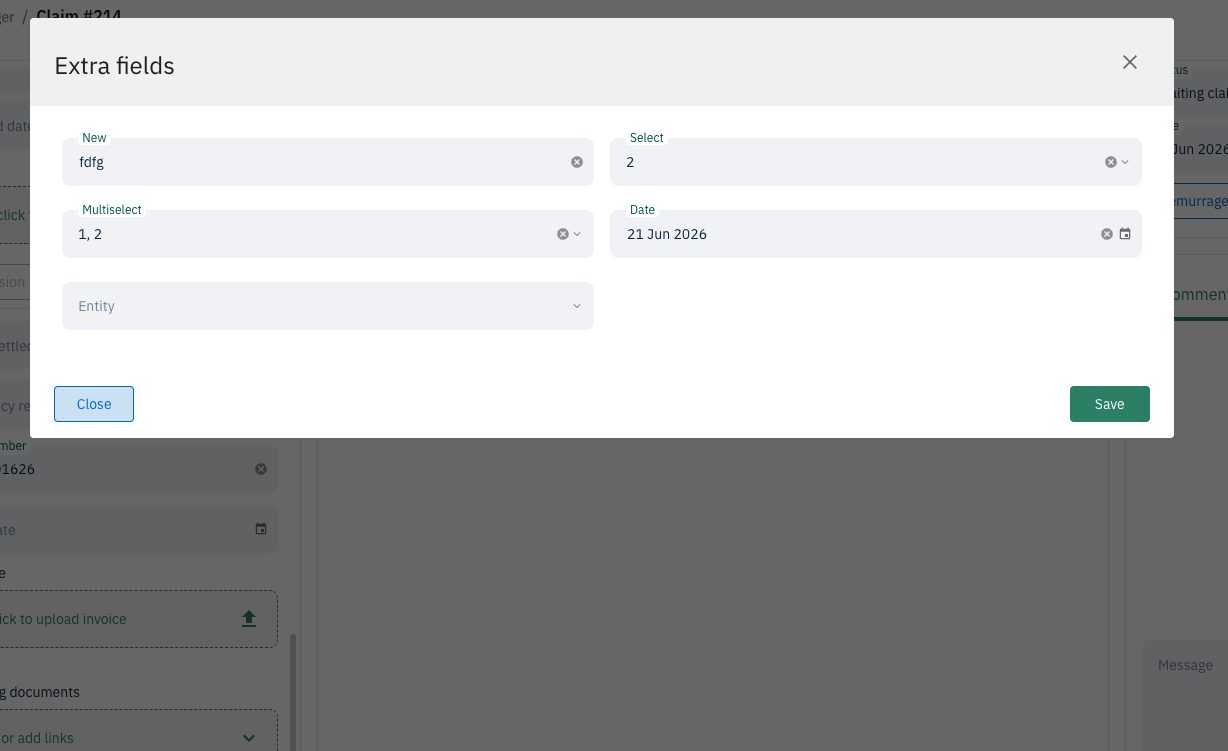
- On the claim detail view, a "Show more data" button on the bottom left displays your configured extra fields.
- These fields are also available through the Public API — on claim create/patch, in findOne/findMany responses, and as filterable query parameters.
Planned Additions
The following are planned for future releases and not yet included:
- Extra field values carrying over when duplicating or rebilling a claim
- Extra fields at the port call and cargo level (the groundwork has been laid to support these)
- Integration with reporting
- Support for non-demurrage claim types